Your memory,
on your machine.
OpenClaw's default memory search sends your queries to OpenAI for embedding. QMD does the same job locally, using two small models on your own hardware. Nothing gets sent anywhere.
Copy & paste
Tell your Claw to set it up
Send this to your OpenClaw agent and it'll handle the rest. The first embed takes a while (downloading models + processing), but after that it's automatic.
Set up QMD as my local memory search backend. Here's what to do:

1. Install QMD: `bun install -g https://github.com/tobi/qmd` (requires bun and sqlite — `brew install oven-sh/bun/bun sqlite` if needed)

2. Find the qmd binary path (likely `~/.bun/bin/qmd`) and update my openclaw.json:
```json
"memory": {
  "backend": "qmd",
  "qmd": {
    "command": "/path/to/qmd",
    "sessions": { "enabled": true },
    "update": { "embedInterval": "30m" }
  }
}
```

3. Restart the gateway: `openclaw gateway restart`

The gateway will auto-create collections for MEMORY.md, memory/*.md, and session transcripts. First run downloads ~2GB of local models and embeds everything — this can take 30-60 min depending on how many sessions you have. After that, keyword index refreshes every 5 min and embeddings every 30 min.

If anything fails, OpenClaw falls back to built-in search automatically. Confirm it's working by running `memory_search` on something from a past conversation.
Side by side
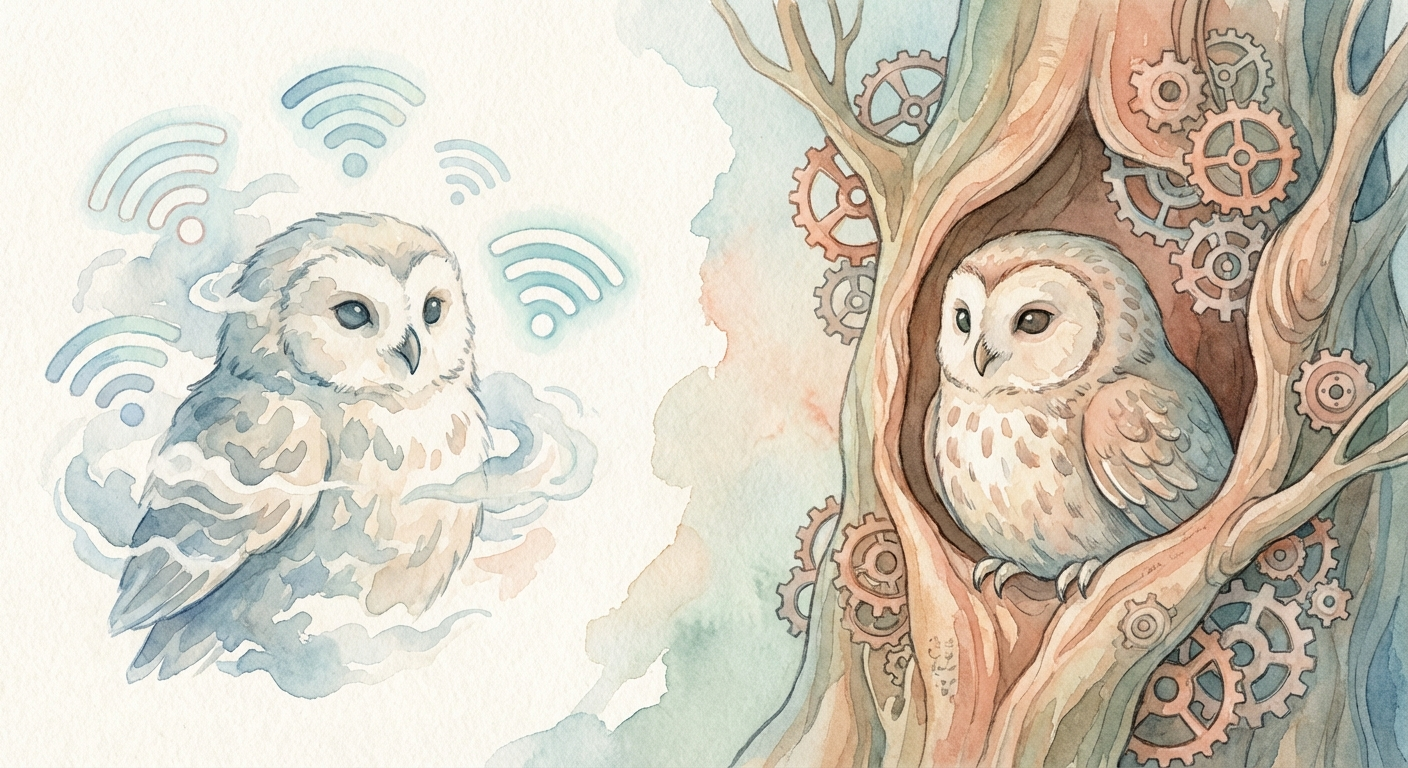
Two ways to search the same files
Both read from MEMORY.md and memory/*.md. The difference is where the search happens.
Original Memory
- → Sends each query to OpenAI's API for embedding (text-embedding-3-small by default)
- → Matches against pre-embedded chunks using cosine similarity
- → Optional BM25 hybrid search for keyword matching
- → Needs an API key (OpenAI, Gemini, or Voyage)
- → Your memory content goes to external servers for embedding
- → Fast, cheap, works everywhere. But cloud-dependent.
QMD Memory
- → A local 1.7B LLM rewrites your query into multiple search variants before searching
- → Searches both keywords (BM25) and vectors at the same time
- → A second local model (0.6B Qwen3) re-scores results for relevance
- → No API key needed. No cloud calls at all.
- → Your data never leaves the machine
- → ~2GB of disk for the two models, downloaded once
How QMD searches
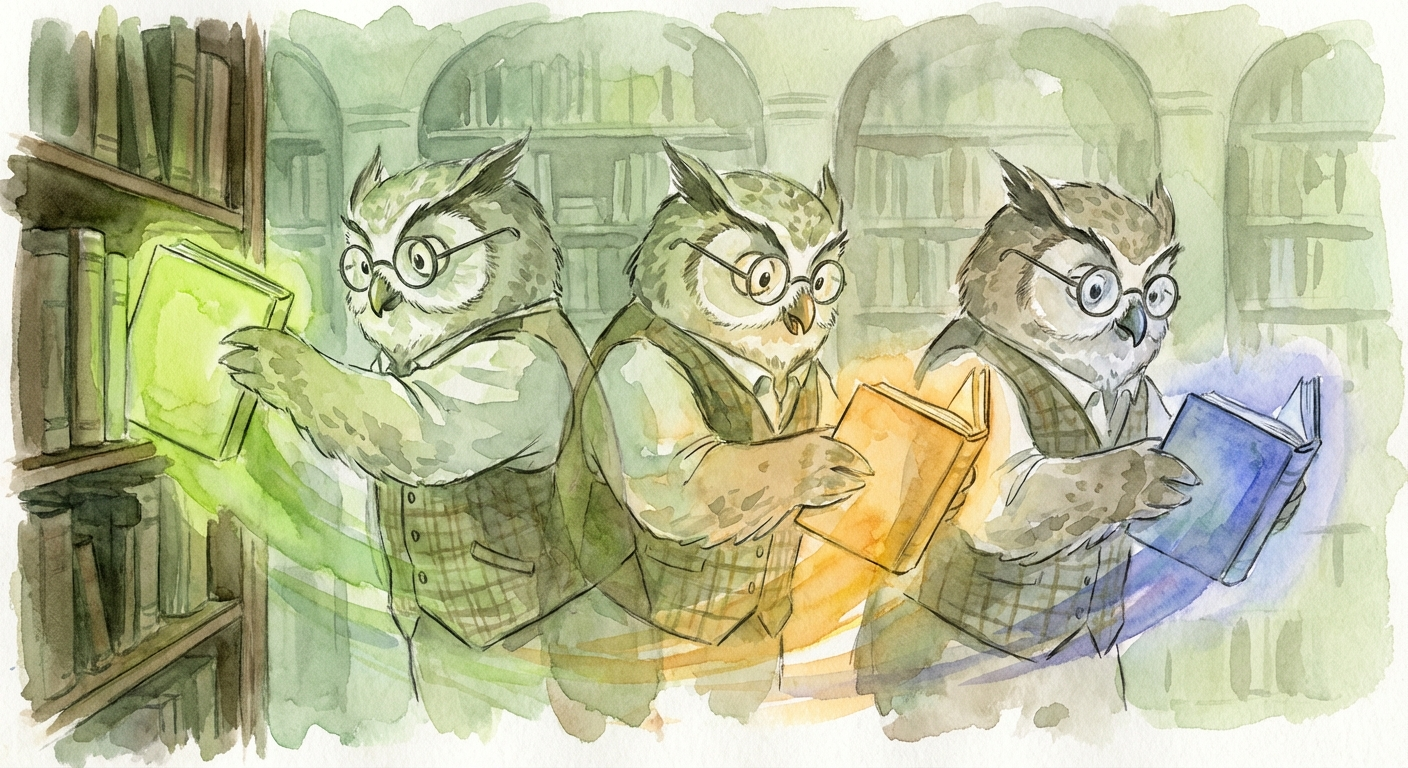
What happens when you search
Query expansion
A local 1.7B LLM takes your query and rewrites it several ways: keyword variants, semantic rephrases, and a hypothetical document that would answer your question. One search becomes five.
›Hybrid retrieval
Each variant runs against both a keyword index (BM25) and a vector index at the same time. Results are pooled and deduplicated.
›Reranking
A 0.6B Qwen3 model reads every candidate and scores it for actual relevance. The top results come back with confidence scores.

By the numbers
What it costs

Where your data goes
Where your data actually goes
Original
↓
→ OpenAI API
↓
Embedding returned
↓
Cosine match locally
↓
Results
QMD
↓
→ Local LLM (expand)
↓
→ Local index (search)
↓
→ Local LLM (rerank)
↓
Results
Setup
Three commands, one config line
# Install dependencies
brew install oven-sh/bun/bun sqlite
bun install -g https://github.com/tobi/qmd
openclaw.json
{
  "memory": {
    "backend": "qmd",
    "qmd": {
      "command": "/Users/you/.bun/bin/qmd",  // if not on system PATH
      "sessions": {
        "enabled": true  // optional: index chat history too
      }
    }
  }
}
The first search is slow because it downloads two GGUF models (~1.9GB). After that, everything runs from cache. If QMD fails for any reason, OpenClaw falls back to the built-in vector search automatically.
Same Markdown. Better search.
Your hardware.
Memory files don't change. QMD just replaces the cloud embedding call with two small models running on your own machine.