Telegram topics as project lanes
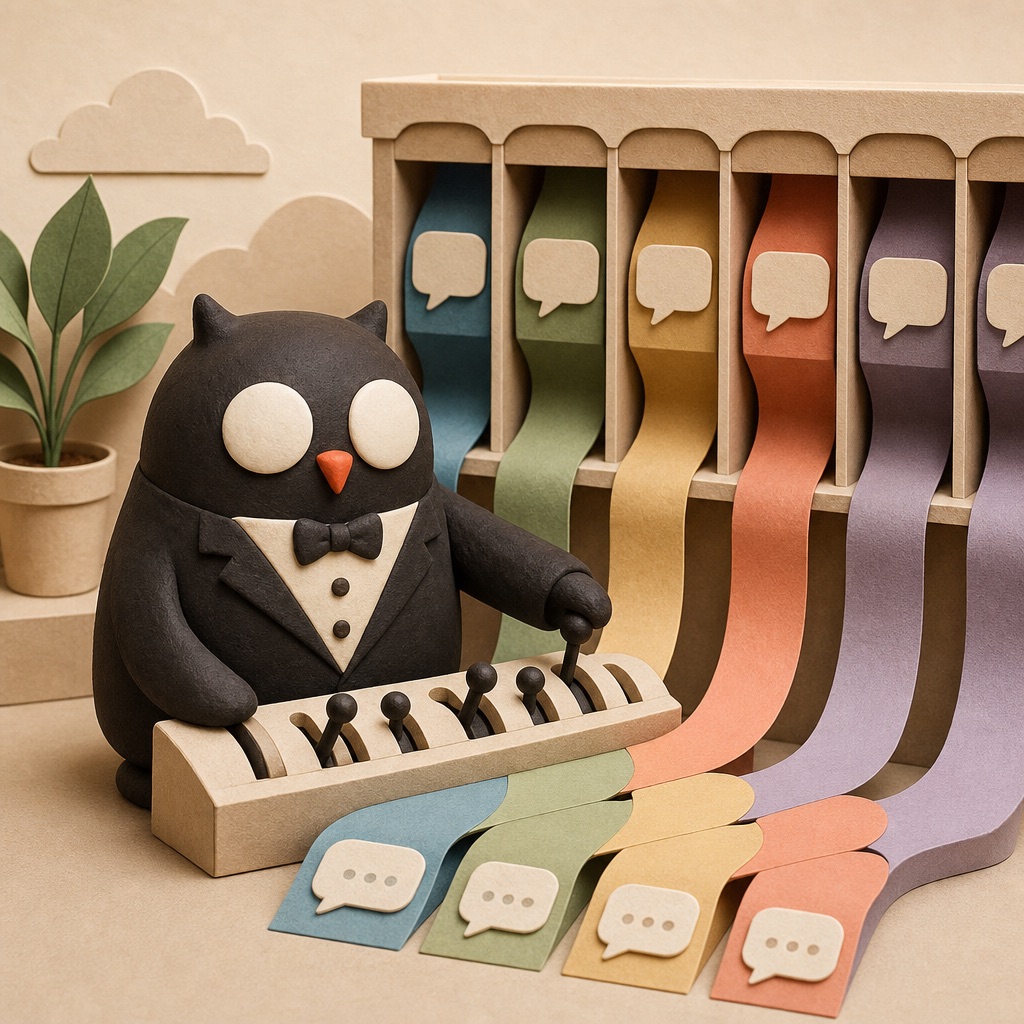
Telegram is the interface, but topics are the unlock. Instead of one endless chat where wedding vendors, iOS bugs, work ideas, and travel plans all smear together, Alfred gets separate lanes with separate session context.
The newer setup uses private DM topics for my personal work. Permanent topics can be pinned for recurring areas like Cubby, finance, or CXAS. One-off topics work like Discord threads: spin one up when a task deserves its own context, let Hermes auto-rename it from the session, and keep the main General chat clean.
I still also use a shared Telegram group with my fiancée. That group has its own topics for wedding planning, travel, household decisions, and anything where Alfred is useful to both of us.
For the important lanes, I bind a skill to the topic. That skill points Alfred to the right GBrain page or project file, so the lane comes with its own operating instructions and its own canonical memory path.
Why this matters: I am extremely jumpy in what I talk about. Topics let Alfred keep context tight without losing the shared brain. A wedding vendor email should not pollute an iOS debugging session. Astonishingly, computers work better when we stop treating them like soup.
GBrain is the real memory
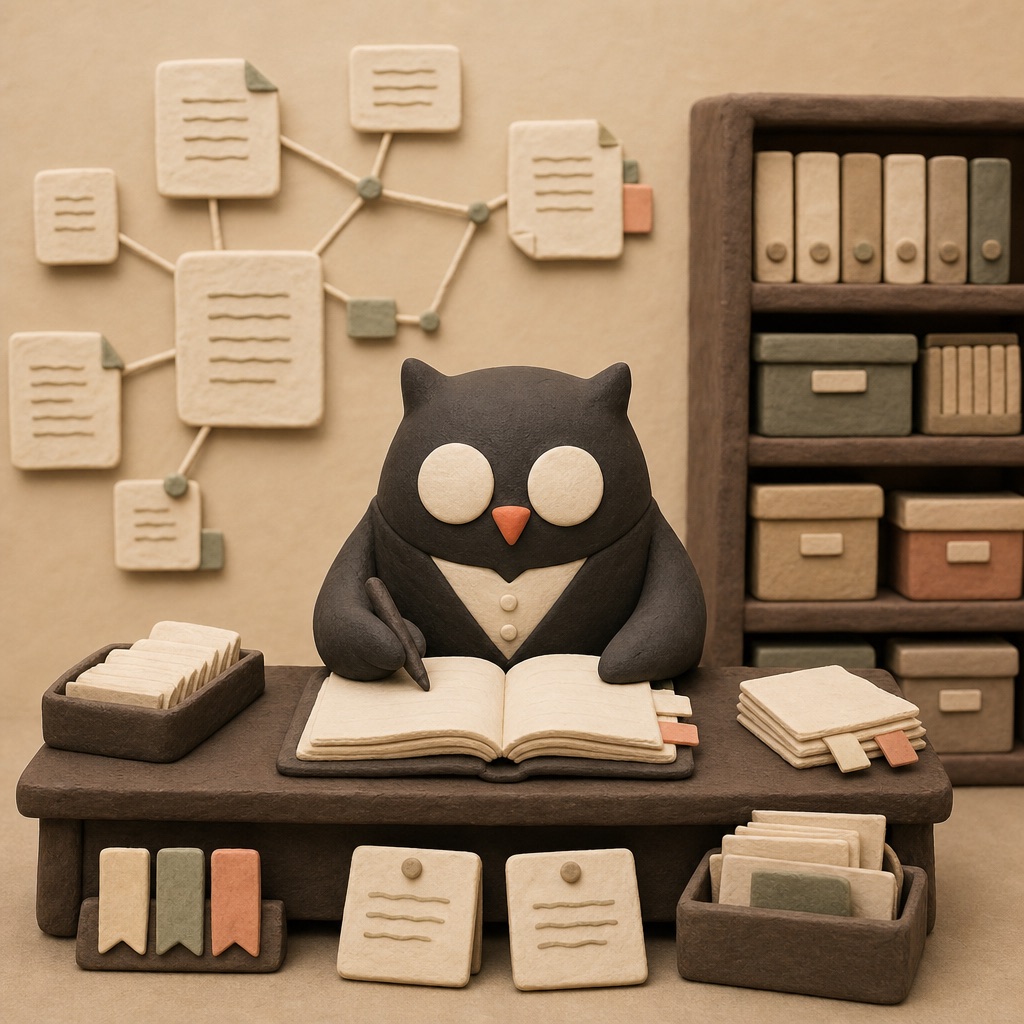
The biggest architecture change since the original guide: Alfred’s long-term memory is now GBrain, my wiki-backed markdown brain. Hermes still has memory, but the canonical project state lives in files I can read, edit, commit, sync, and hand to other agents.
This replaced the old MEMORY.md-plus-QMD mental model. The GBrain pages are the source of truth: project briefs, travel notes, financial models, wedding state, Cubby decisions, research pages, and the connective tissue between them.
Under the hood, GBrain gives me the things I liked about QMD without making QMD a separate guide section: keyword search, semantic/vector search, hybrid retrieval, reranking, graph traversal, embeddings/backfill, sync, watch, and import pipelines. The important part is simpler: the wiki is the memory; the indexes are derived from it.
- —Markdown as source of truth — durable, reviewable, portable files instead of invisible model memory.
- —Topic-bound skills — a recurring Telegram lane loads the skill that points Alfred to the right GBrain page.
- —Manual review — I can inspect what Alfred wrote, fix it, and commit the wiki separately.
- —Multi-agent access — Alfred, Codex, and other agents can all read the same project brain.
If you want an agent to remember something, write it somewhere boring and inspectable. Memory that only exists as vibes inside a chatbot is not memory. It is decorative fog.
Hermes LCM: never fully forget
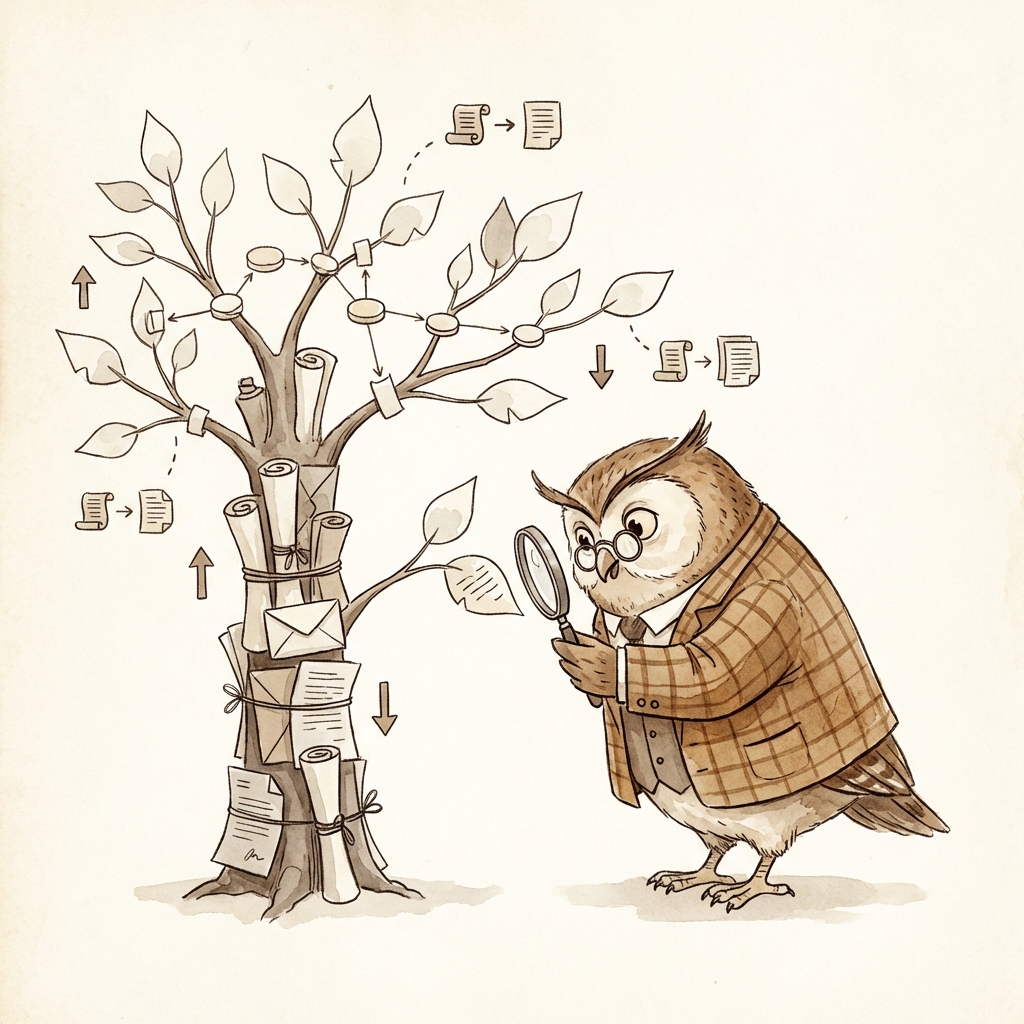
Long-running agent conversations create a nasty problem: eventually the context window fills up. Traditional compaction squashes the conversation into a summary and detail evaporates. You keep “discussed DJ options” and lose the actual decision.
Alfred uses the Hermes LCM plugin for Lossless Context Management. It builds a DAG of raw messages and summaries, so the model can see a compact view while the original detail remains recoverable underneath.
When detail is needed, Alfred can call tools like lcm_expand or lcm_expand_query to drill back into the source messages. Compaction becomes a two-way door: compress for working memory, expand when precision matters.
plugin: hermes-lcm
version: 0.14.0
engine: lcm
context threshold: 75%
fresh tail: 24 messages
raw messages: preserved in lcm.db
How to think about it: GBrain is durable long-term project memory. LCM is session continuity. One remembers what matters across months; the other keeps a live conversation from getting lobotomized when it gets long.
Cron jobs: the night shift

Hermes does not need the old generic heartbeat loop. Instead, I use explicit cron jobs: small scheduled agents or scripts that check a specific surface, usually stay quiet, and only notify me when something is worth my attention.
Some jobs are LLM-driven. Some are deterministic script watchers with no agent at all. They can deliver into a specific Telegram topic, save locally, or notify only on meaningful changes.
- —Front desk — useful email/calendar scans during the day and a morning briefing before I wake up.
- —Travel sentinel — check-ins, packing lists, trip readiness, and day-of reminders.
- —Open Loop Radar — reviews recent sessions every few days for unresolved threads and implicit commitments.
- —GBrain/wiki ops — bookmark ingestion, weekly maintenance, nightly wiki commit/push, and update watching.
- —Follow-up/accountability — iMessage follow-up triage and other small social loose ends.
- —Creative serendipity — random musings and occasional wiki artifacts, because not every useful thing has to look like a Jira ticket.
- —Watchers and one-shots — Hermes issue watchers, ticket drops, reservation windows, account-fee windows, and reminders.
The product idea is the same as heartbeat: Alfred periodically checks well-defined surfaces and mostly stays quiet. The implementation is cleaner: explicit jobs, explicit schedules, explicit delivery targets.
Skills: reusable protocols

Whenever I want Alfred to follow a specific protocol — like how to plan a blind restaurant date, triage a consulting request, or manage a project lane — I put that protocol in a skill. It is a markdown document that loads when the context is relevant.
Skills are how Alfred improves without retraining. If a workflow changes, I update the skill file. Every future session gets the new procedure.
The current setup also uses skills as routing glue. A Telegram topic can load a skill; that skill tells Alfred which GBrain page to treat as canonical for that lane. The topic provides conversational isolation, the skill provides procedure, and GBrain provides durable state.
I still use skills.sh because portability matters. The same skills can be available to Alfred, Codex, Claude Code, and IDE agents. One procedure library, many workers.
Use skills for things you repeat, things you correct often, and things that require judgment. If you have to explain a workflow twice, it probably wants to become a skill.
Coding: two modes
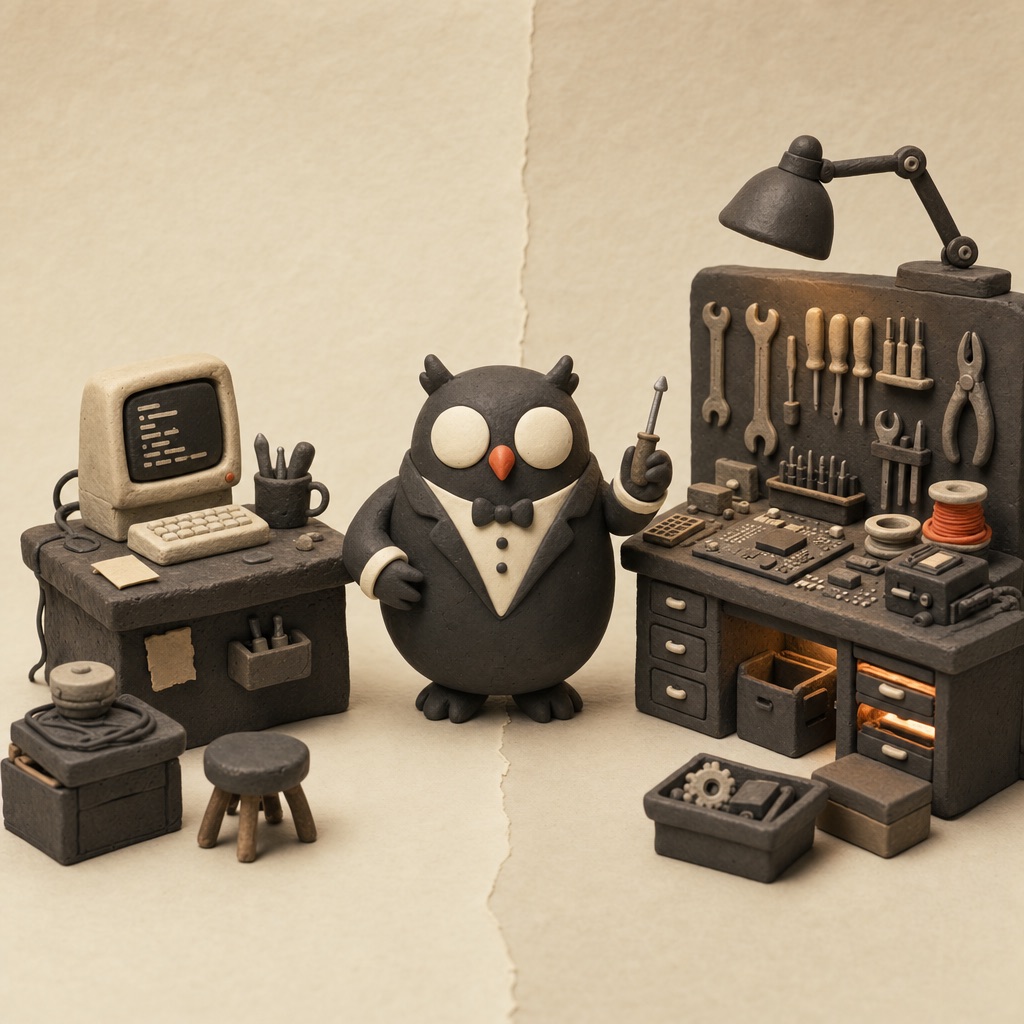
There are two ways Alfred writes code, and knowing which one to use is a major quality-of-life improvement.
Mode 1: direct coding. Alfred reads files, edits, runs commands, checks results, and deploys inline from chat. This is perfect for small pages, scripts, config fixes, quick repo edits, and anything I can describe in a sentence or two.
Mode 2: the Codex app. For larger builds, I remote into the Mac mini and use Codex directly. It gets the deep IDE-like work: substantial app features, bigger refactors, and long coding sessions that should not block my main Alfred chat.
Skills still bridge the two worlds. Alfred and Codex can share the same playbooks, taste, and project conventions. The handoff is less “new assistant, who dis?” and more “same workshop, bigger bench.”
Documents and tracking
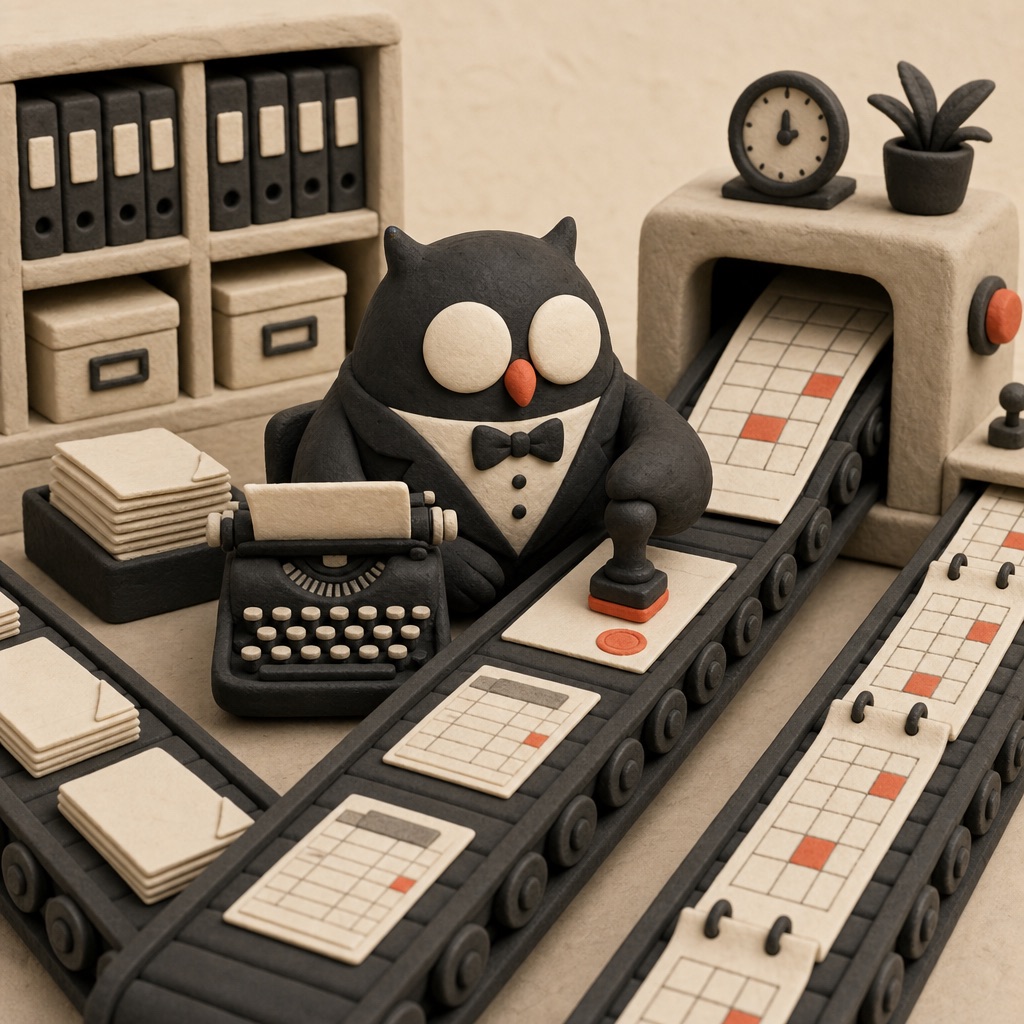
Two patterns come up constantly. For documents, draft in markdown or the wiki first, then export or move to Google Docs when something needs to be shared. For tracking, use a spreadsheet when the data actually wants rows, dates, owners, and formulas.
Hermes has Google Workspace access, and Alfred uses the gws CLI for Gmail, Calendar, Drive, Docs, and Sheets. Wedding vendor comparisons, household budgets, pricing research, calendar lookups, email scans — all the boring office plumbing becomes agent-reachable.
GitHub + Vercel: ship instantly

One of the most useful patterns is giving Alfred a fast path from idea to URL. GitHub plus Vercel means a small page, prototype, guide, tracker, or interactive toy can become a shareable link in minutes.
“Build me a page comparing these wedding venues” becomes a URL I can send to Nina. “Make a quick guide for this setup” becomes a real page instead of a lost chat transcript. Everything lives as subdirectories in one repo: clean URLs, fast deploys, low ceremony.
Tools and integrations

The real power of an always-on agent comes from what it can reach. The exact list changes, but these are the integrations that matter most in my current setup:
- —Google Workspace via
gws— Gmail, Calendar, Drive, Docs, and Sheets. - —GBrain/wiki tools — durable project memory, research pages, and syncable state.
- —iMessage follow-up scan — find loose conversational threads and draft the next nudge.
- —Printing Press CLIs — custom domain tools for annoying workflows: Fandango, Monarch Money, Splitwise, and table reservations across OpenTable, Tock, and Resy.
- —1Password
Clawvault — credential handoff without pasting secrets into chat. - —Gemini Maps grounding — even with effectively unlimited OpenAI tokens, Gemini’s place data is unmatched. For restaurant recommendations or place advice, Alfred diverts to Gemini.
Credential management: Alfred has access to a dedicated 1Password vault called Claw. If a workflow needs credentials, I share them there and Alfred reads them with the op CLI where possible. Much better than dropping passwords into chat like a Victorian sending bank details by postcard.
Image generation through OpenAI

The old setup used a separate Gemini/Nano Banana path. I do not bother with that anymore. Image generation now goes through GPT/OpenAI inside Hermes using the existing OAuth-backed plan.
The practical effect is simple: Alfred can generate illustrations, quick assets, page art, and visual drafts without another API key or side setup. It is part of the same agent workflow instead of a separate toy bolted to the side.
Maintenance: let Alfred watch the stack

I do not want to manually track every moving part in the stack. Alfred watches the parts that matter: Hermes issues I am waiting on, targeted bugs, GBrain/wiki health, scheduled maintenance, and update checks that are actually relevant to my setup.
The point is not “auto-update everything blindly.” It is that the agent can keep an eye on its own operating environment and tell me when something is worth attention.
The personality upgrade

Early on, I asked Alfred to modify its own personality. I gave it a description of the voice I wanted — British, dry, sharp, warm underneath — and let it write its own SOUL.md. That file shapes how Alfred communicates. You can read Alfred’s full SOUL.md on GitHub.
This matters more than you would think. The default AI assistant voice is polished but generic. A well-crafted personality makes every interaction feel less like using a tool and more like talking to someone. You text it more, trust it more, and actually enjoy the interactions.
The trick: Do not write the personality file yourself. Describe the vibe you want and let the AI write it. It will capture nuances you would not think to specify, and it will follow instructions it wrote for itself more naturally.
Just use the best model

Alfred currently runs on GPT-5.5 with high reasoning and fast/priority mode enabled through OpenAI/Codex OAuth. The exact best model will change; the principle will not.
Do not over-optimize away quality. The difference between the smartest available model and a cheaper “good enough” model compounds across thousands of small autonomous decisions: every email triage, cron judgment, code edit, memory update, route recommendation, and social draft.
I treat this like paying for a sharp operator. If the agent is going to touch real parts of my life, I would rather it be slightly overpowered than constantly almost right.
Hot take: Token thrift is often fake savings. The time you spend debugging cheap-model mistakes can cost more than just using the model that gets it right.
Remote access: mostly unnecessary now

The old version of this guide had a whole Tailscale-plus-Termius section so I could SSH into the Mac mini from my phone. I almost never need that anymore. Hermes has been stable enough that emergency remote access is not a daily operating concern.
The rescue path now is simpler: Codex mobile connected to the Mac mini. If something needs a fix while I am away, I can open Codex, remote into the box, and patch it without doing terminal origami on a phone.
Voice transcription: local and free
I send Alfred a lot of voice notes from Telegram. Hermes transcribes them locally on the Mac mini using faster-whisper. The current config uses the local provider with the base model, so there is no separate transcription bill and no network round trip for normal voice input.
Parakeet MLX is still installed on the machine from an older experiment, but it is not the active path anymore. The boring built-in Hermes local STT path won, which is frankly rude but convenient.
stt:
  enabled: true
  provider: local
  local:
    model: base
    language: ''
The stack
Putting it all together:
- —Mac mini as the always-on home base.
- —Hermes Agent for the runtime, gateway, tools, and scheduled work.
- —Telegram topics as the personal UI and project lanes.
- —GPT-5.5 / OpenAI Codex OAuth as the main model/provider path.
- —GBrain/wiki as canonical long-term memory and project state.
- —Hermes LCM for session continuity and lossless context.
- —Skills + skills.sh for reusable procedures across agents.
- —Cron jobs for proactive checks, watchers, and reminders.
- —Google Workspace +
gwsfor email, calendar, docs, and sheets. - —1Password
Clawvault for credential handoff. - —GitHub + Vercel for the fast coding and deploy loop.
- —Codex app/mobile for larger builds and remote rescue.
- —Gemini Maps grounding for restaurants and place intelligence.
- —Printing Press CLIs for custom tools like Fandango, Monarch, Splitwise, and reservations.